
Two profiles
DownShift gives you two home screens on one phone: Personal and Work. Each keeps its own apps, folders, widgets, dock and wallpaper.
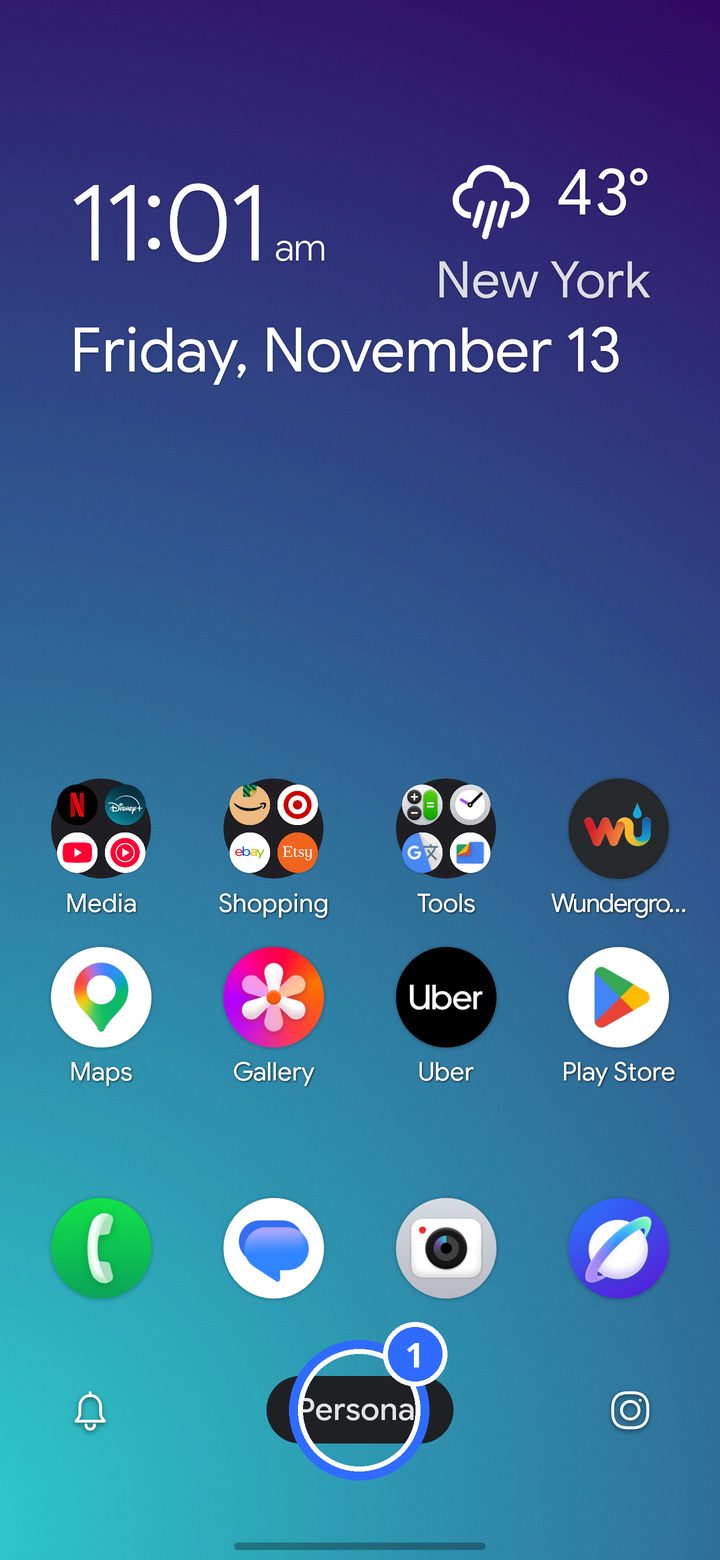
- The profile pill shows which profile you're in.
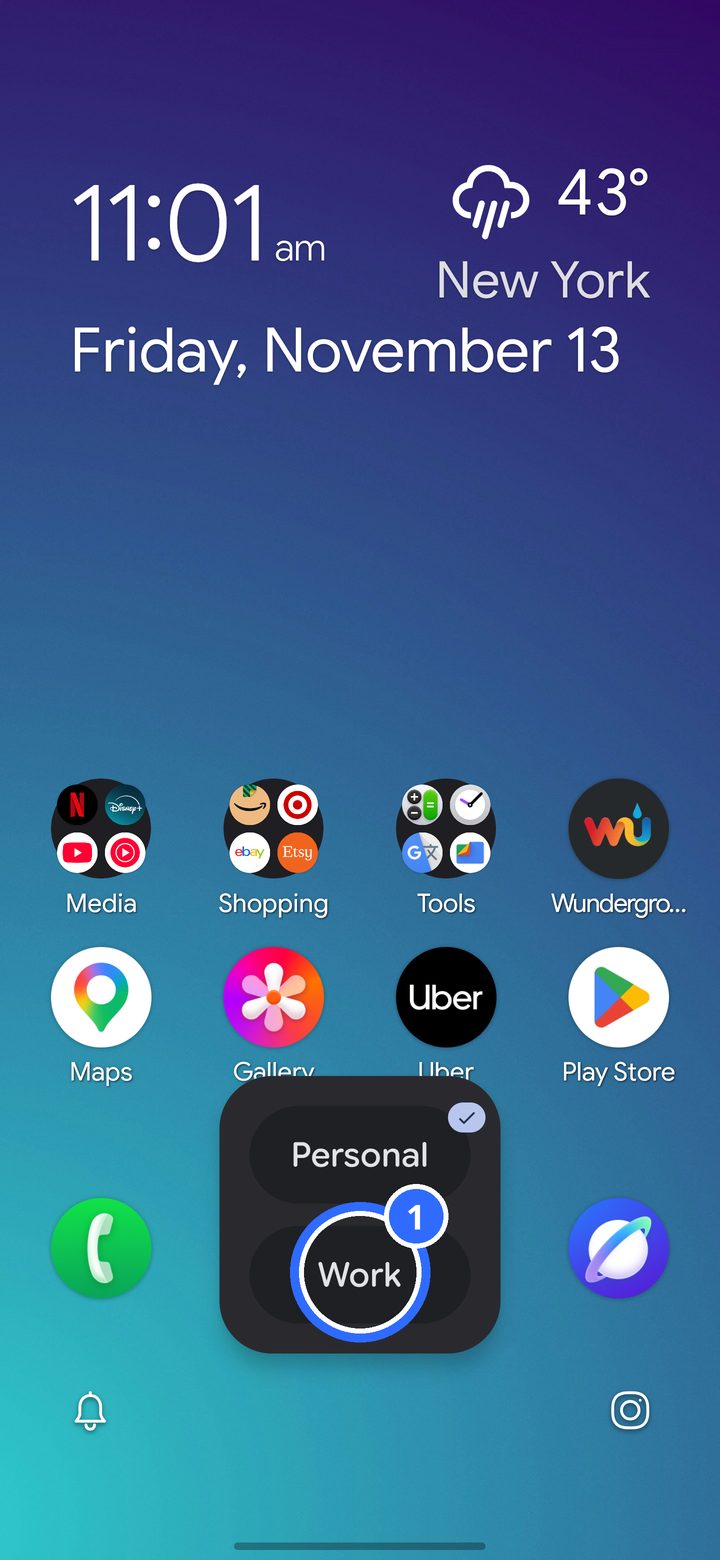
Tap the pill and a small card opens with both profiles, the current one first, with a check. Tap the other one (1) to switch.
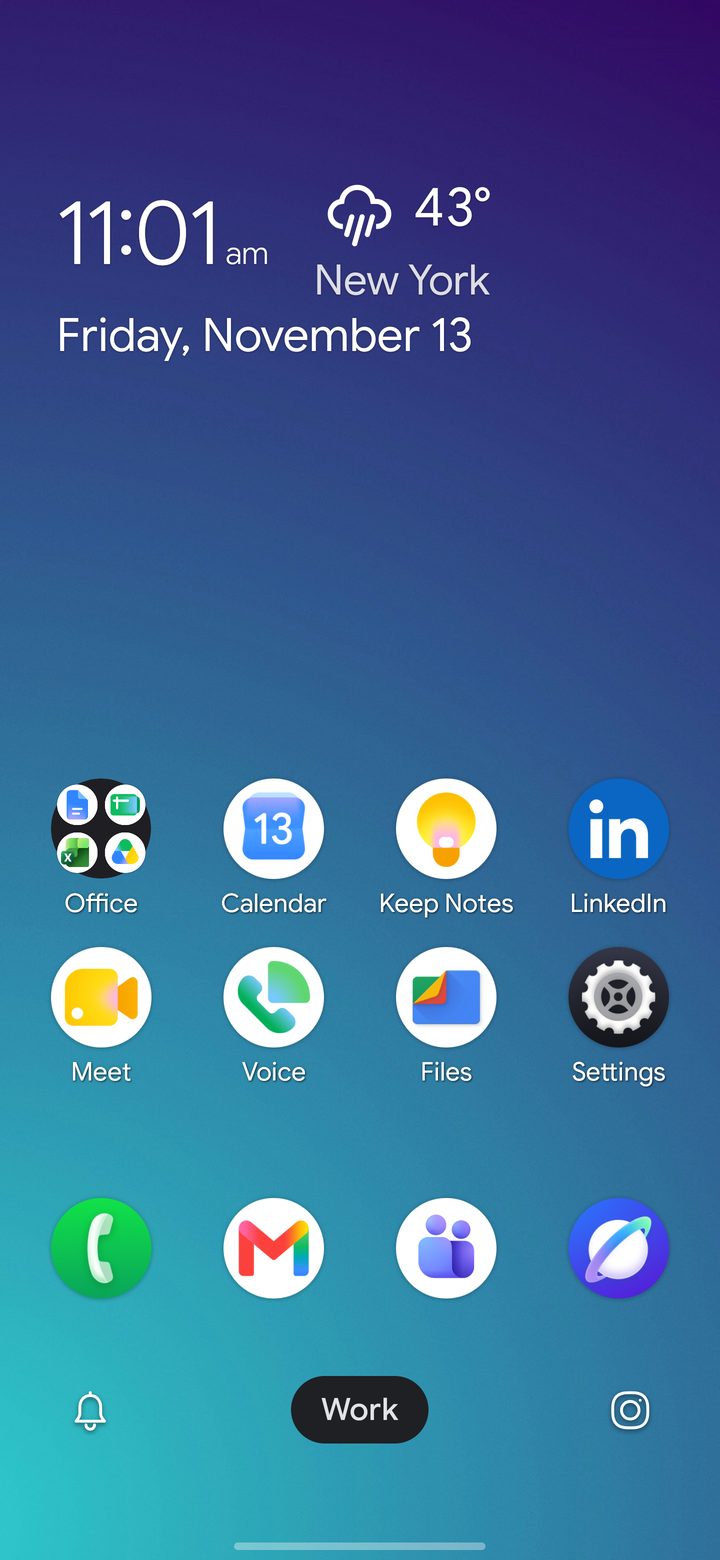
Work has its own layout. Here it has an Office folder, Calendar and Gmail in the dock.
In Settings › Profiles
- Rename a profile. Emoji are welcome. You can also long-press the pill.
- Keep an app to one profile, so the other profile's drawer and search never show it.
- Work schedule: switch to Work on your working days and hours by itself. See Work schedule.
- Lock a profile behind your fingerprint or screen lock, and choose how often it asks again.
- Notifications per profile: block apps on a profile, or let DownShift turn on your phone's own Personal or Work mode.