
Make it yours
Icons
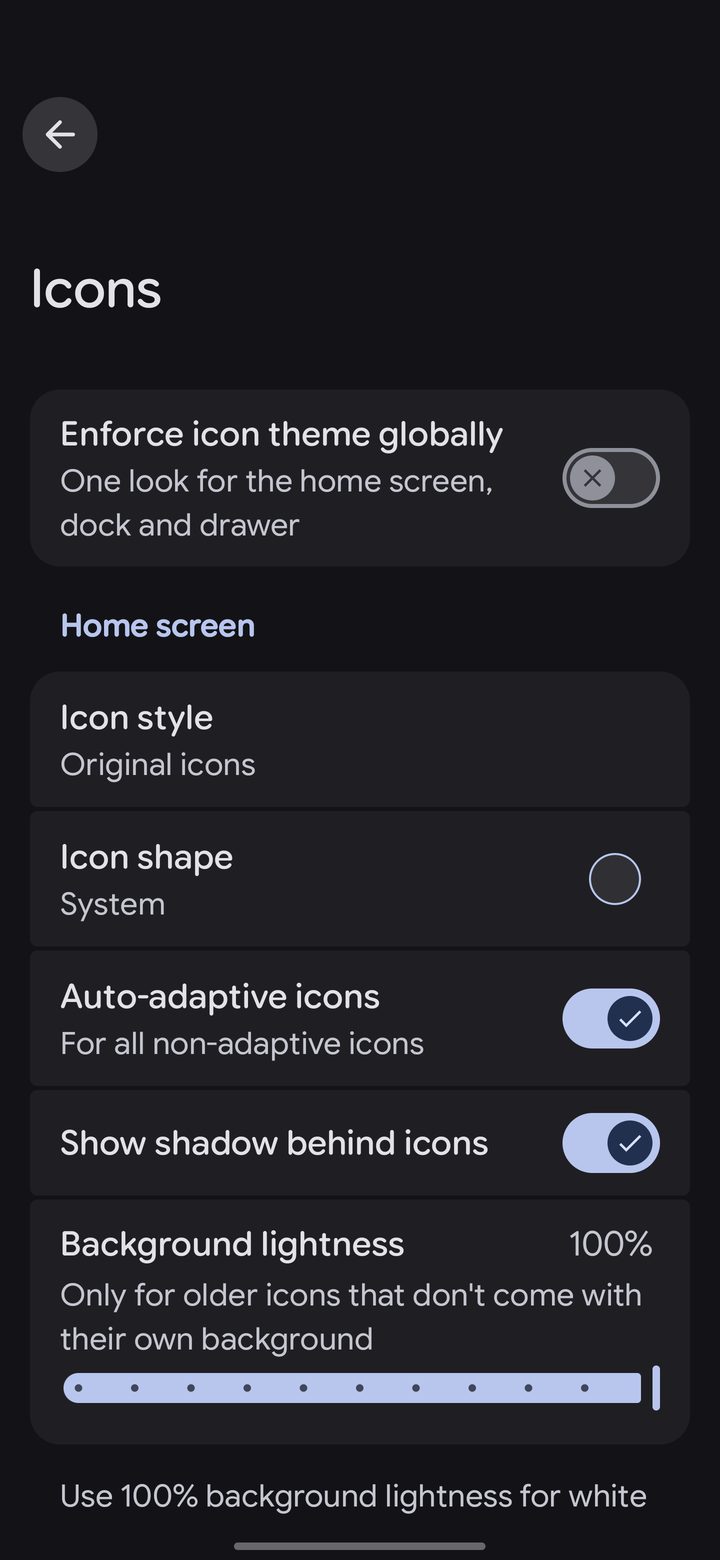
In Settings › Icons, choose an Icon style for the home screen, the dock and the drawer, or turn on Enforce icon theme globally for one look everywhere.
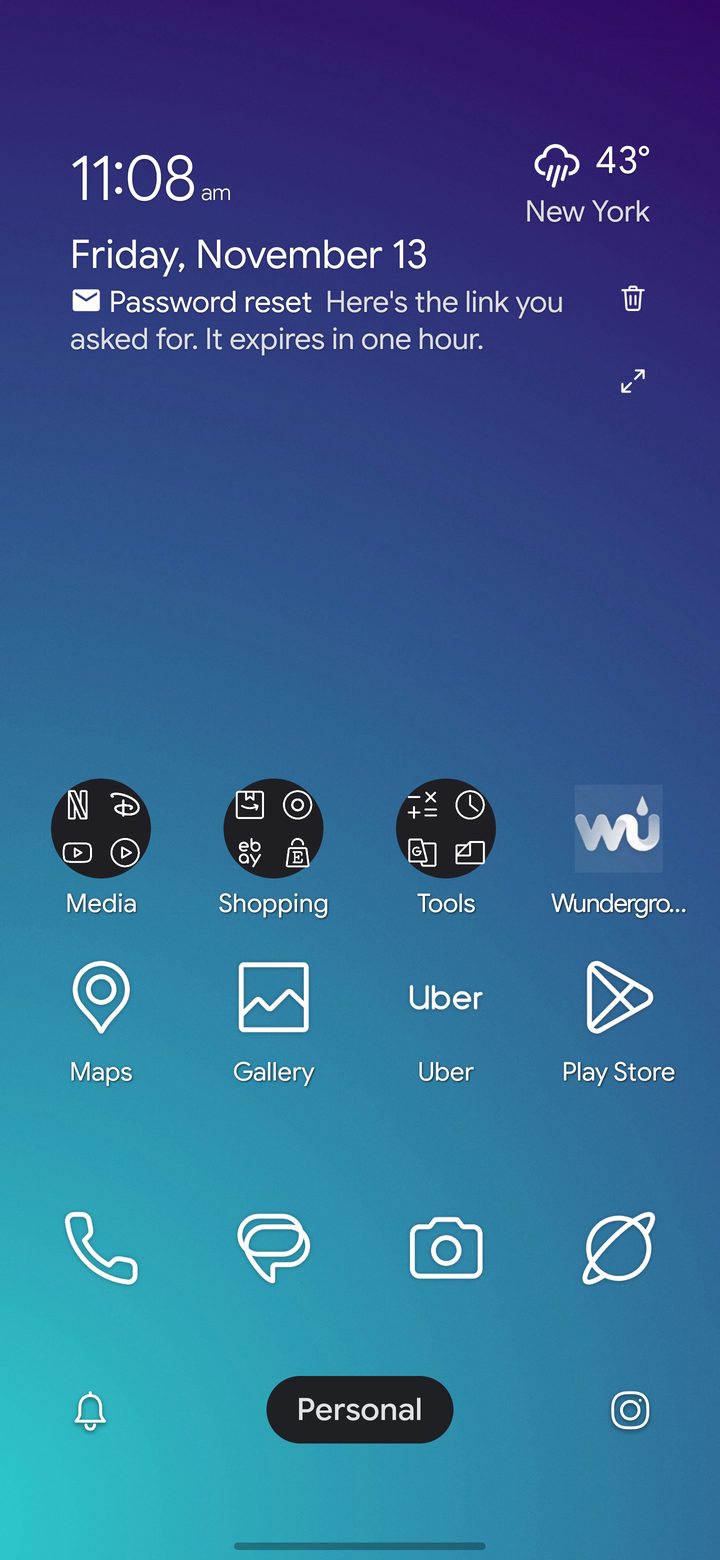
Lawnicons are built in: clean line icons, tinted in each profile's color. You can also use any icon pack you've installed.
Wallpapers, transparency and the grid
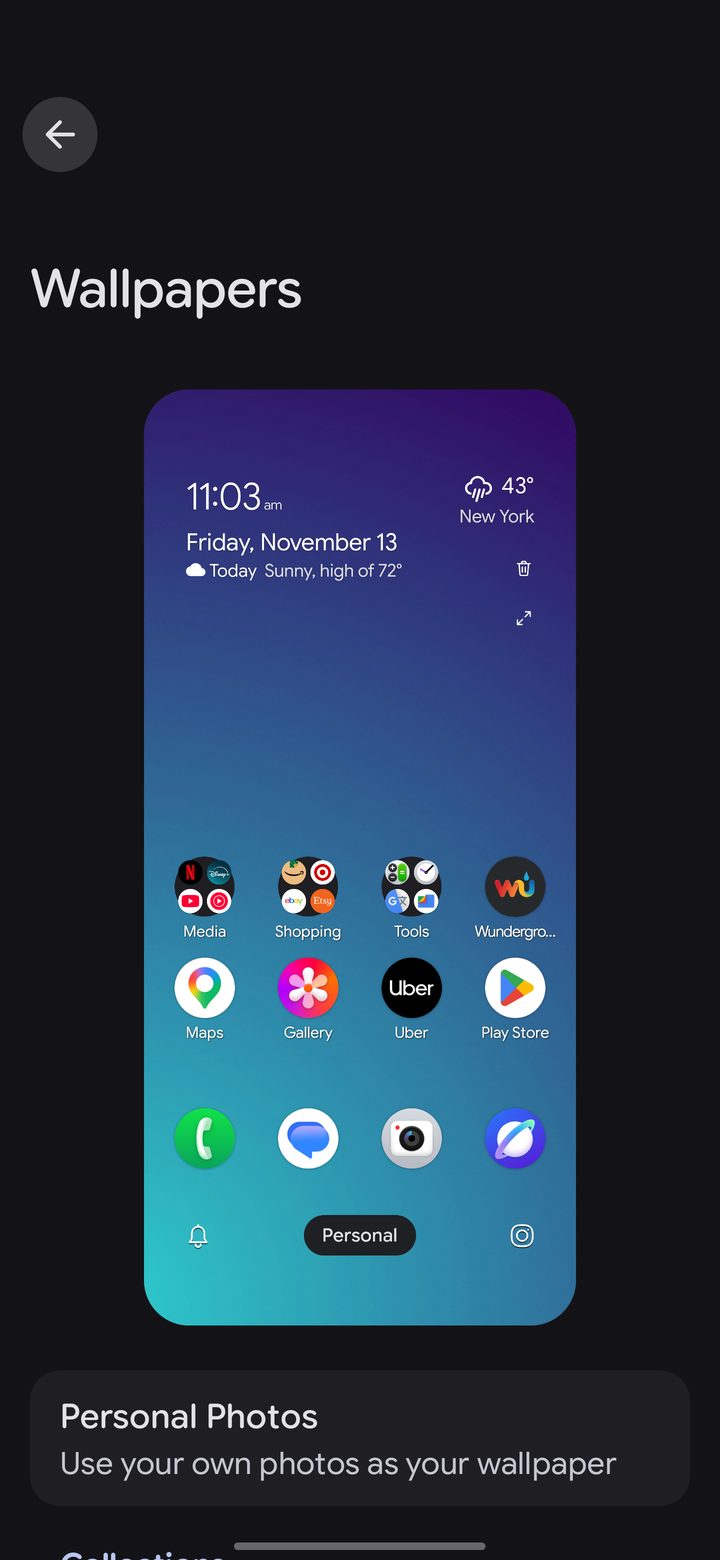
- Settings › Wallpapers: pick one of DownShift's photos or your own, for the home screen, the lock screen or both.
- Settings › General › Transparency: how solid the dock, the drawer, folders and pop-up menus are.
- Settings › Home screen: grid size, icon size, labels and more.