
Foldables
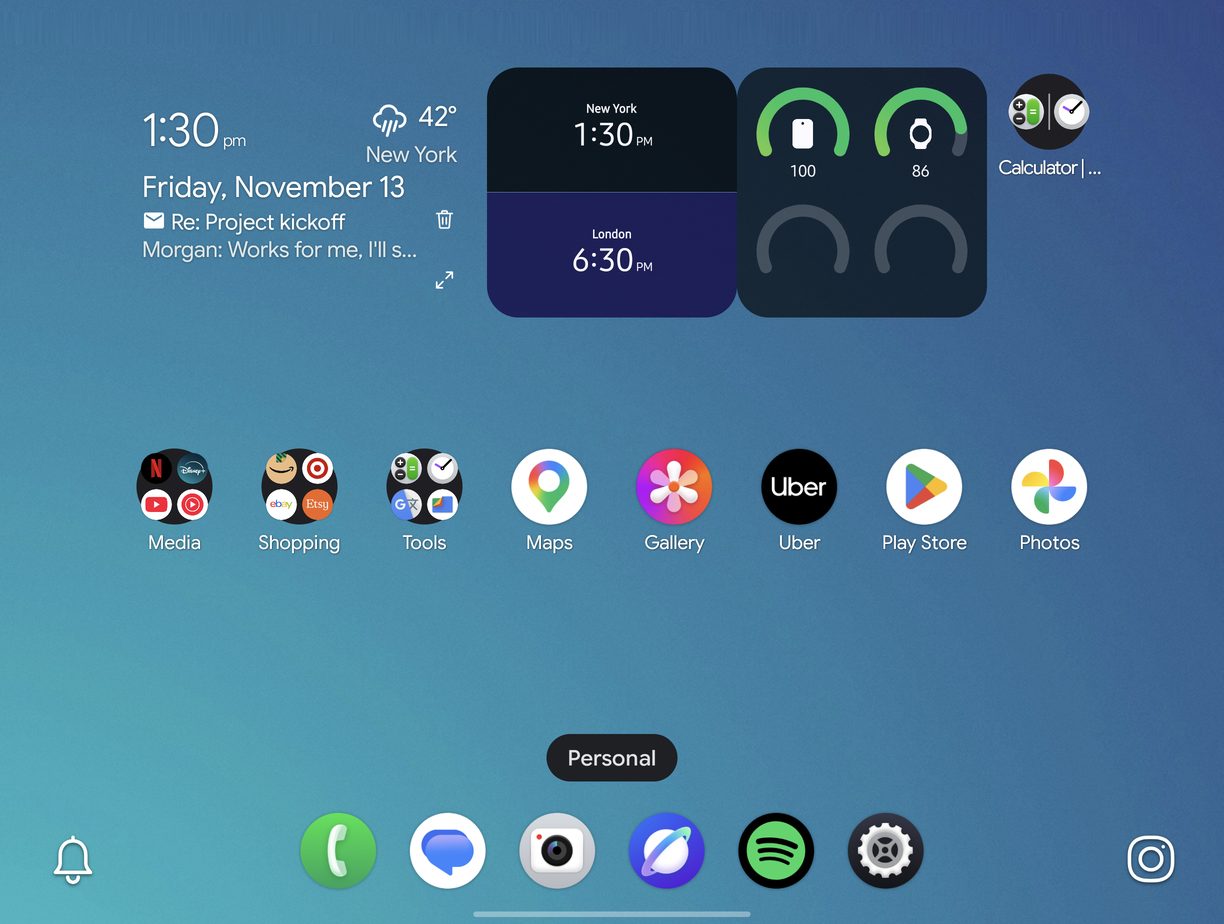
On a foldable like the Galaxy Z Fold, DownShift lays out the cover screen and the inner screen each in its own way.
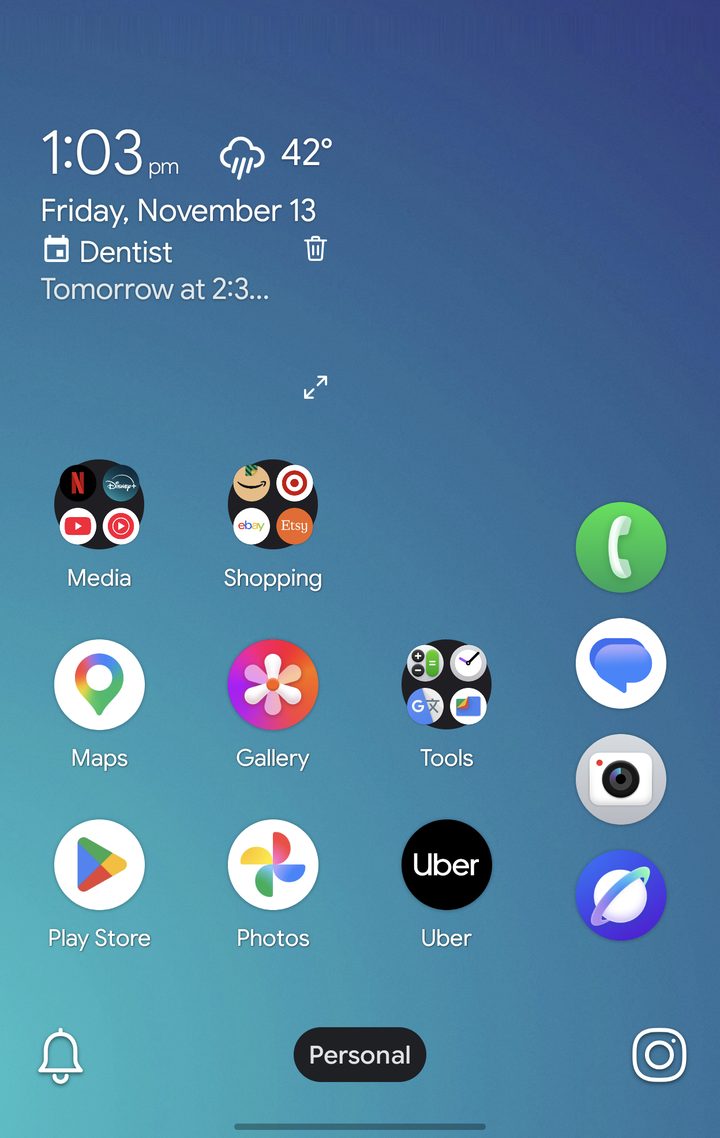
- The cover screen has a dock column on one side. Choose the side in Settings › Foldable › Dock column.
- The inner screen has a wide grid, a dock along the bottom and room for more widgets.
- Each screen has its own dock, and each profile keeps its own layout on both screens.
- With Mirror cover screen off (the default), what you add or remove on one screen stays on that screen. Turn it on to show the same apps and widgets on both, each arranged its own way.
App Pairs
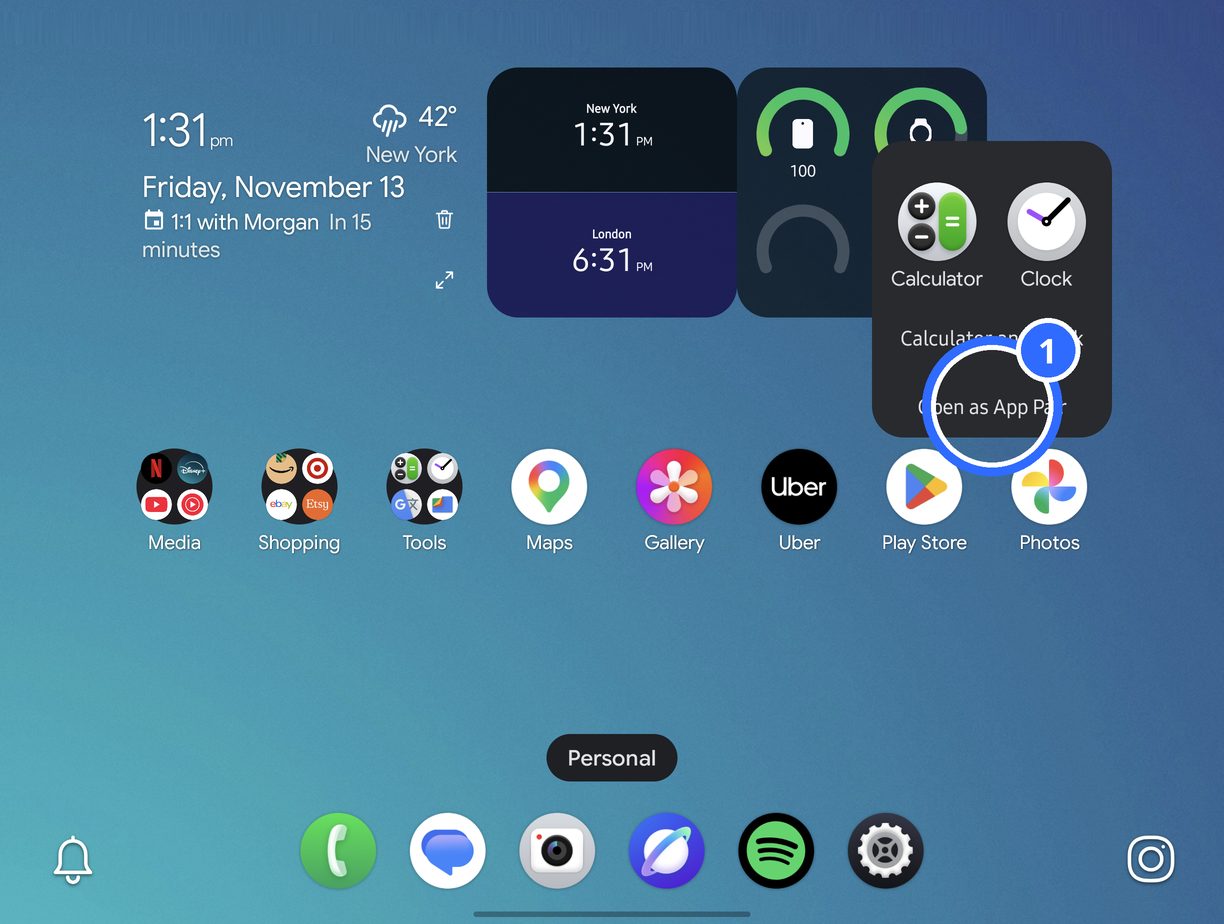
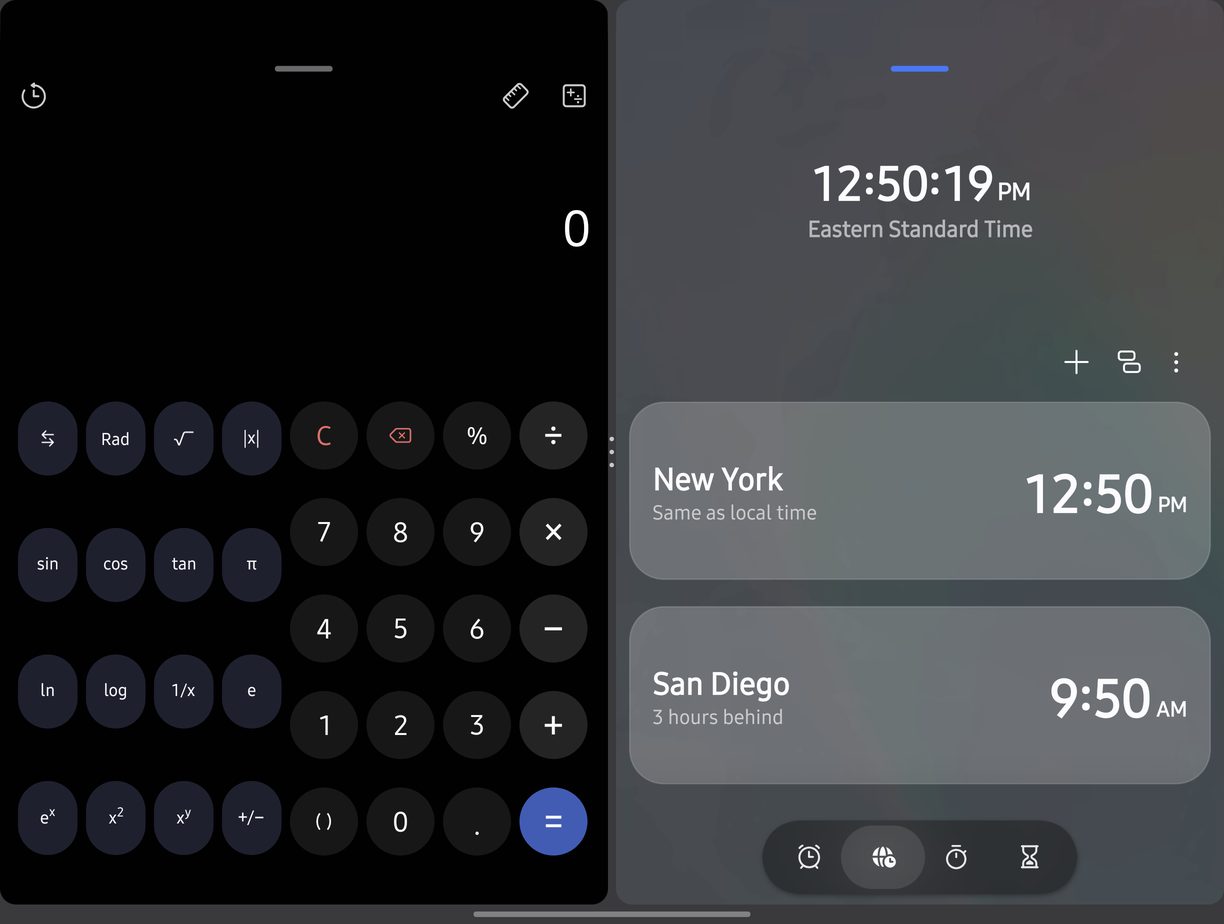
Put two apps in a folder on the inner screen. Its card shows Open as App Pair (1). Tap it, and from then on the folder opens both apps side by side with one tap. Long-press the pair and choose Open as folder to turn it back into a folder.
Pop-up windows
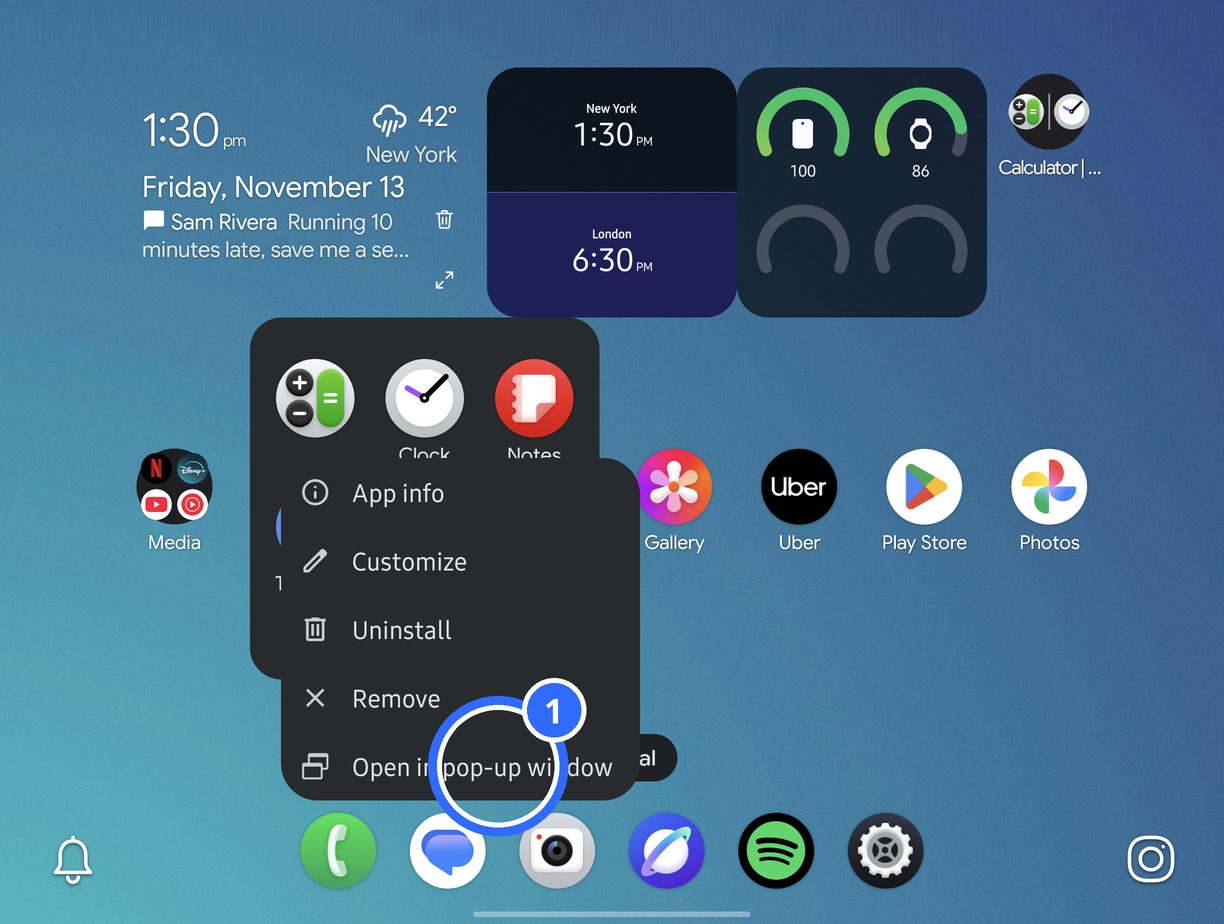
On the inner screen, long-press an app and choose Open in pop-up window (1).
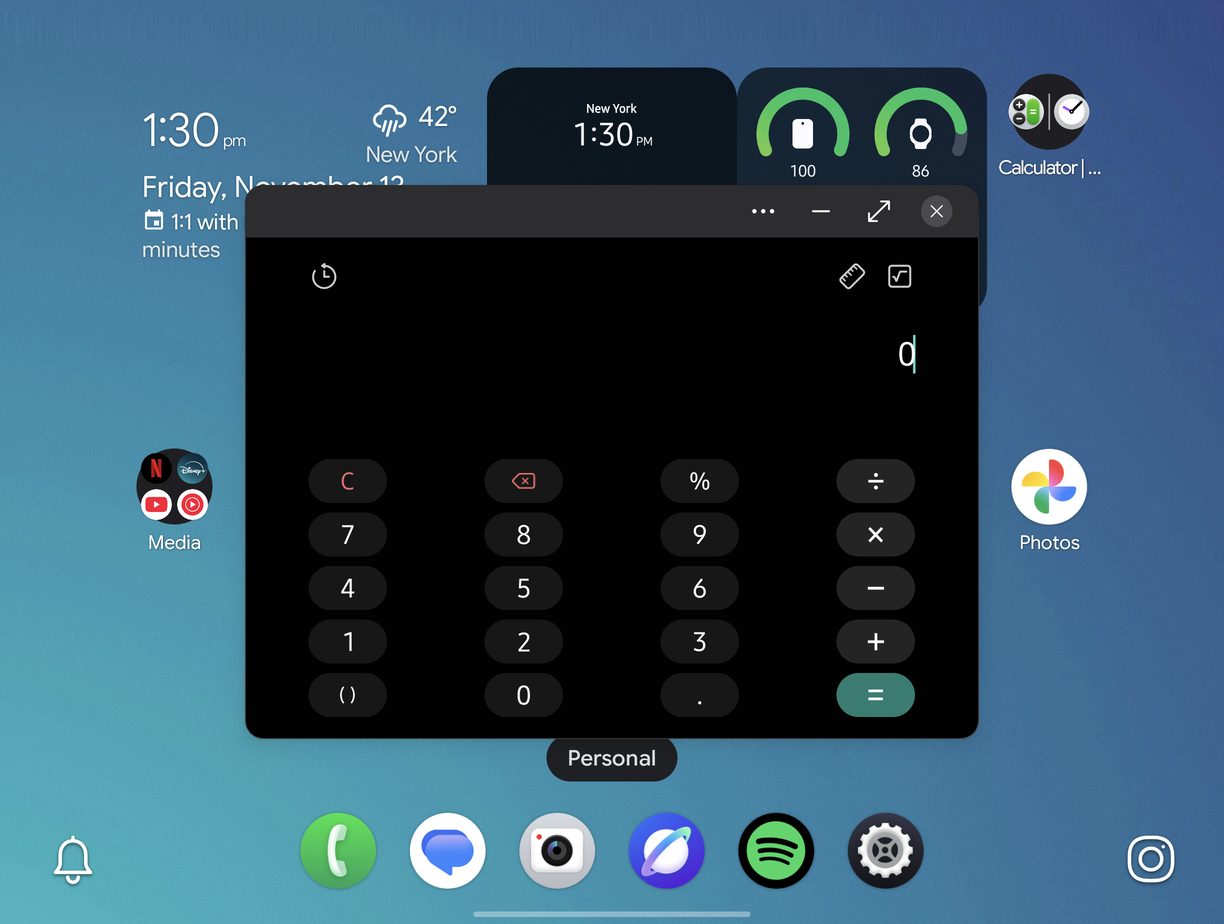
The app floats over your home screen. Drag it, resize it, or make it full screen.