
Control Center and docks
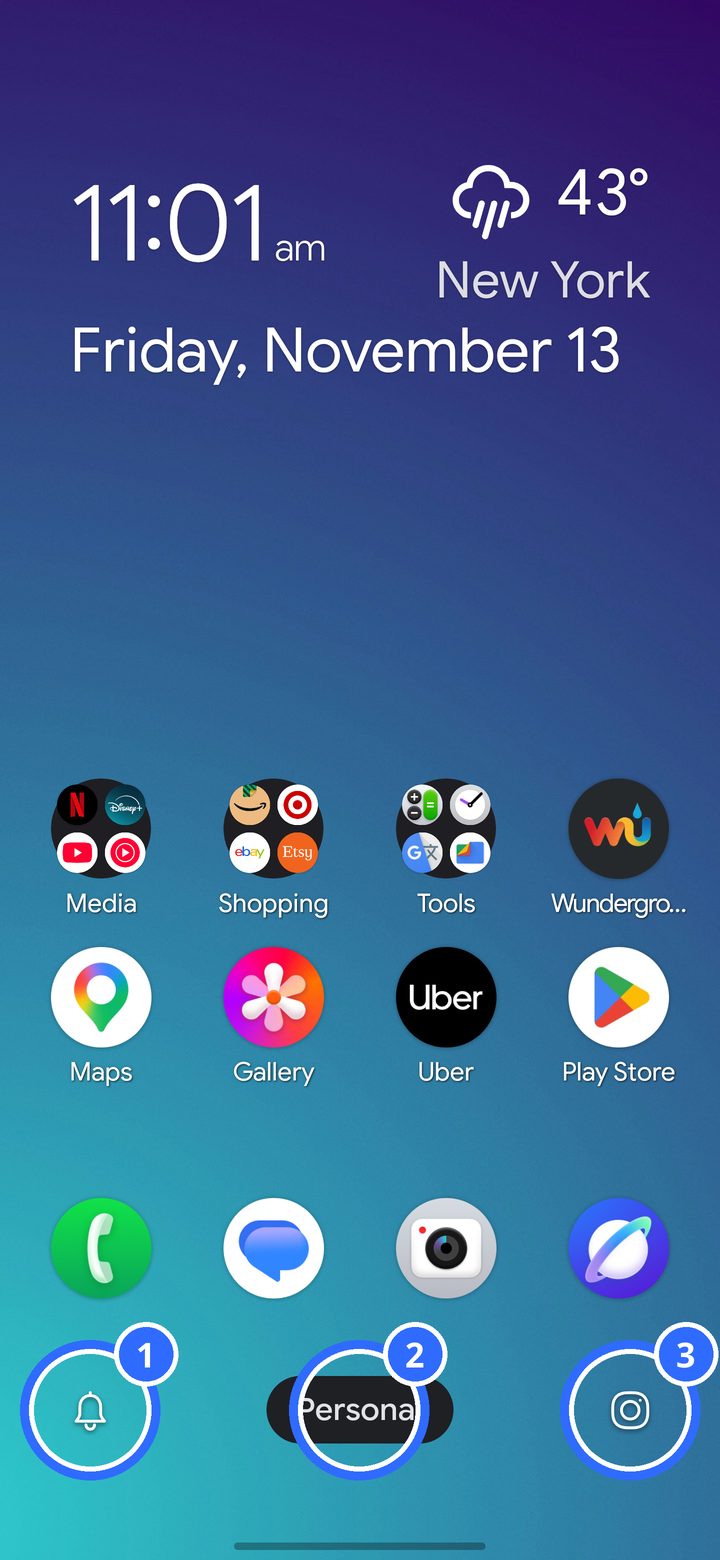
The Control Center is the bar under your dock:
- The Silencer (by default).
- The profile pill.
- The DownShift Camera (by default). It keeps work photos out of your gallery, in a folder of their own.
Change either corner to any app in Settings › Control Center, and set it up separately for each profile. Prefer a search bar? You can use one instead, or hide the bar.
Dock on either side
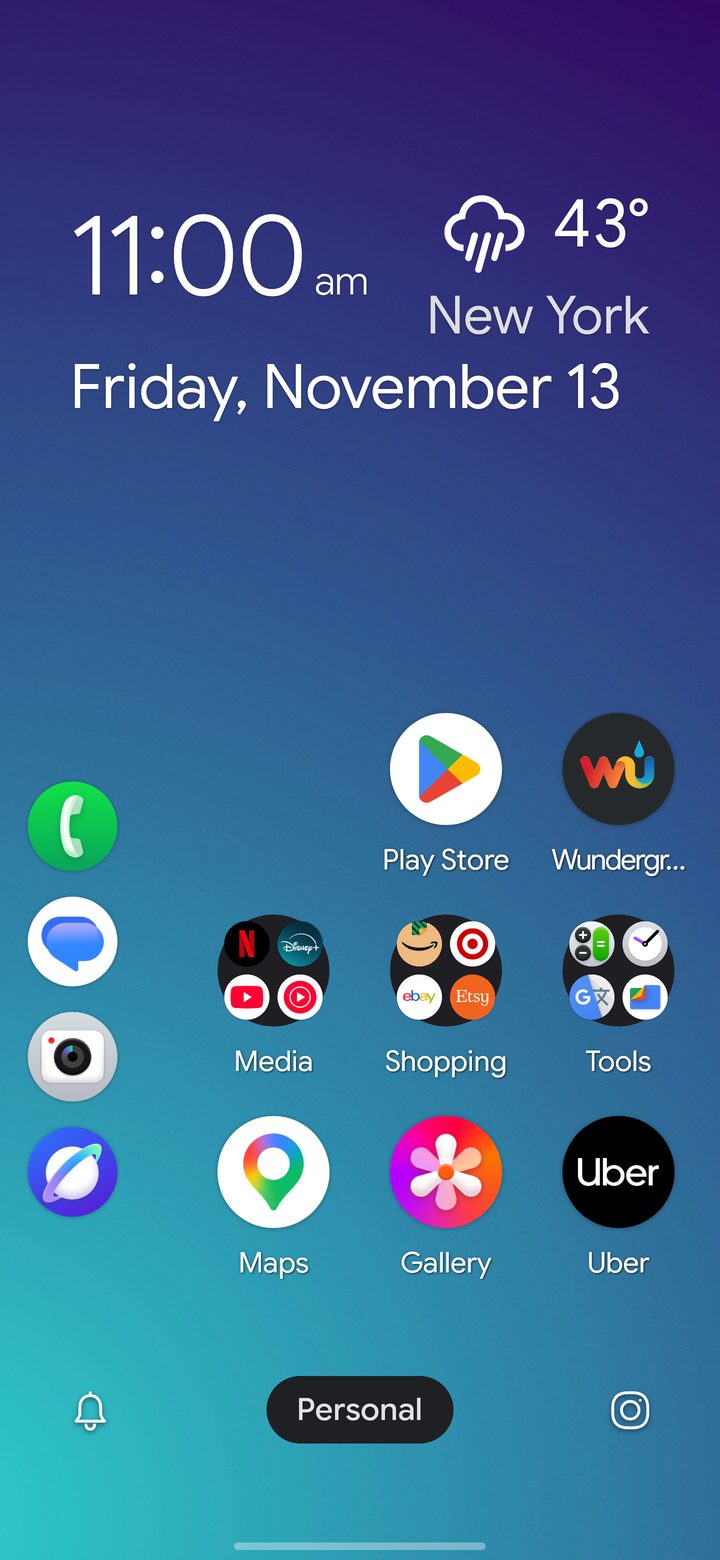
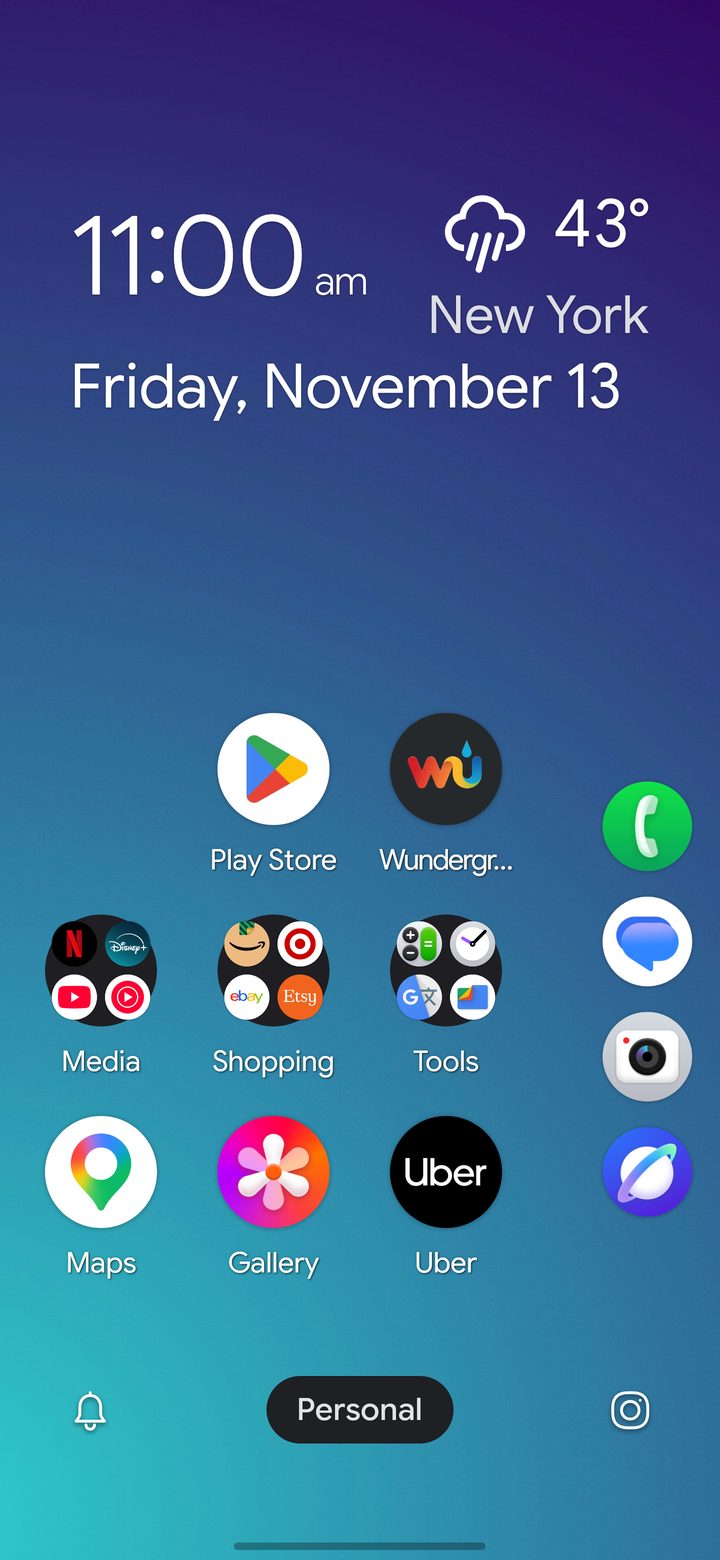
In Settings › Dock choose the Horizontal Dock along the bottom, or a Right-Side or Left-Side Vertical Dock for one-handed reach. When a side dock needs the edge column, apps move to make room. Switch back to the bottom dock and they return to where they were.