
The Silencer
The Silencer turns on Do Not Disturb for as long as you choose, then turns it off by itself, so you never forget.
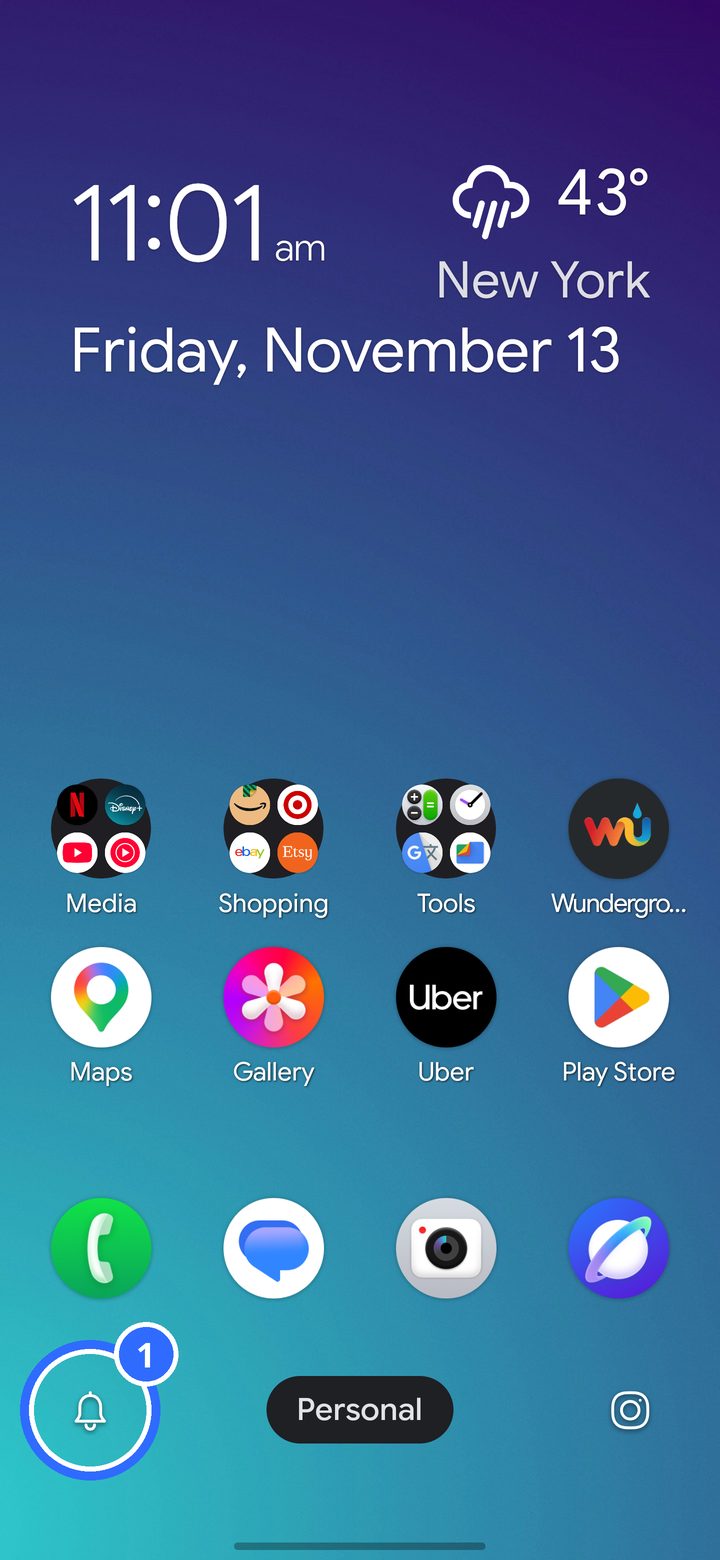
- Tap the bell in the Control Center.
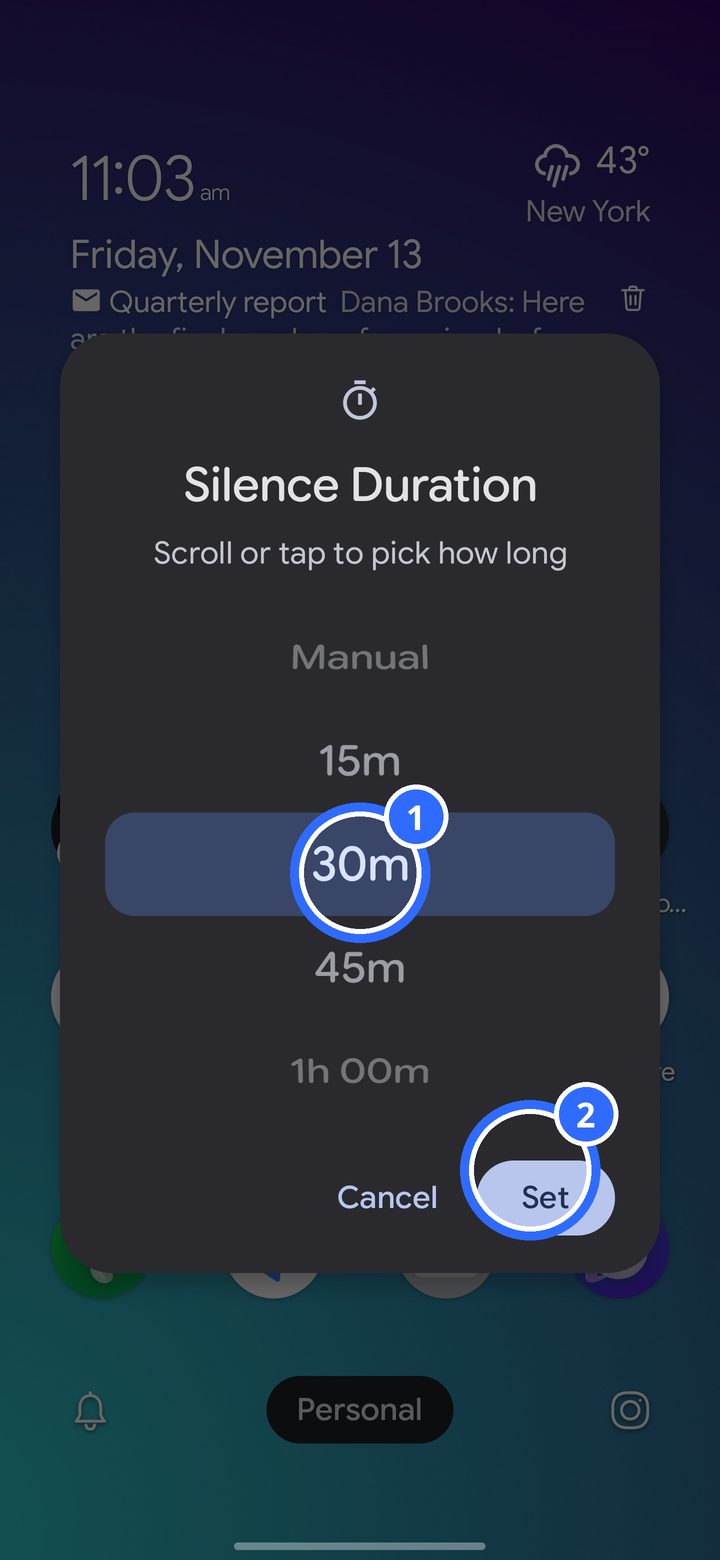
- Scroll or tap to pick how long, from 15 minutes to hours, then tap Set.
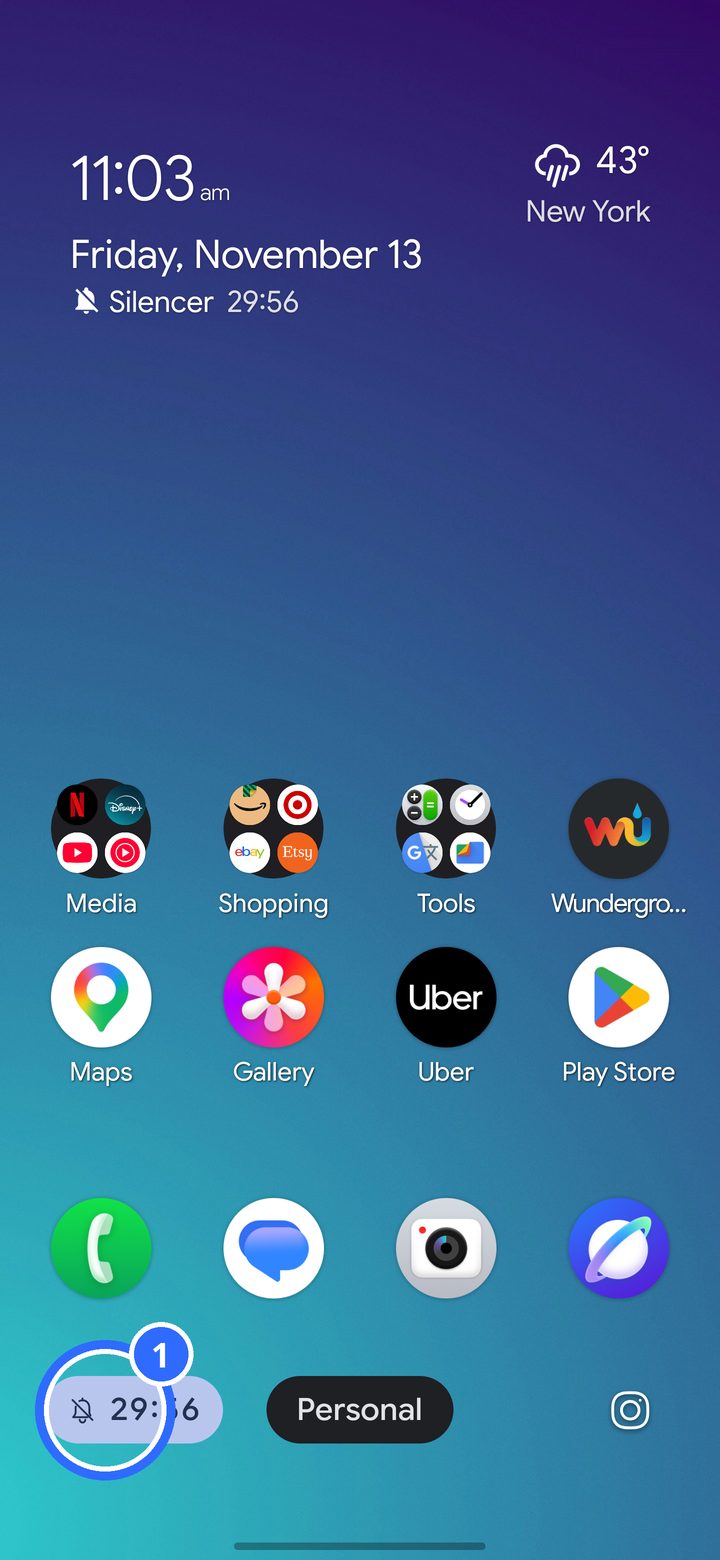
The time left shows in the Control Center, and in Glimpse if you use it. Tap the countdown to change it.
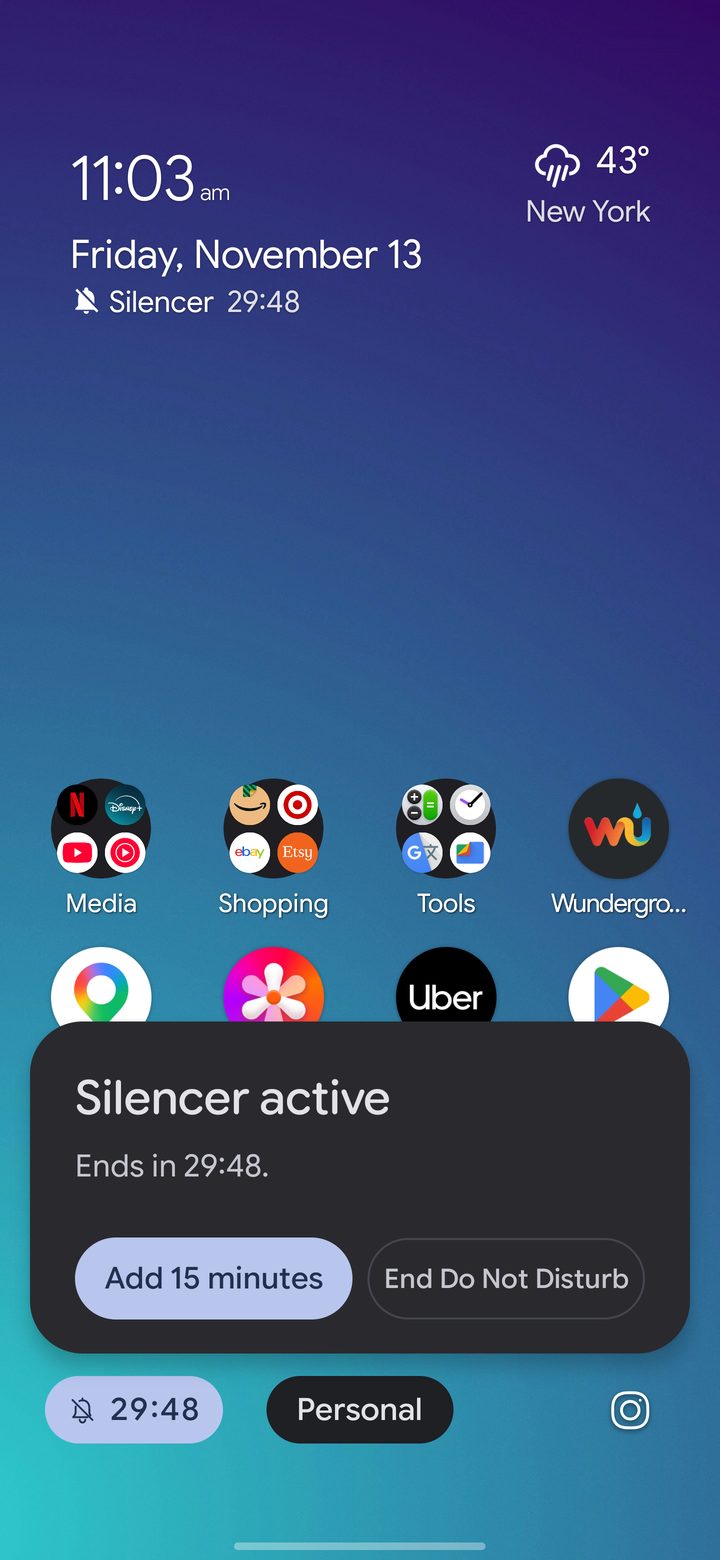
From here you can add 15 minutes at a time, or end it early.
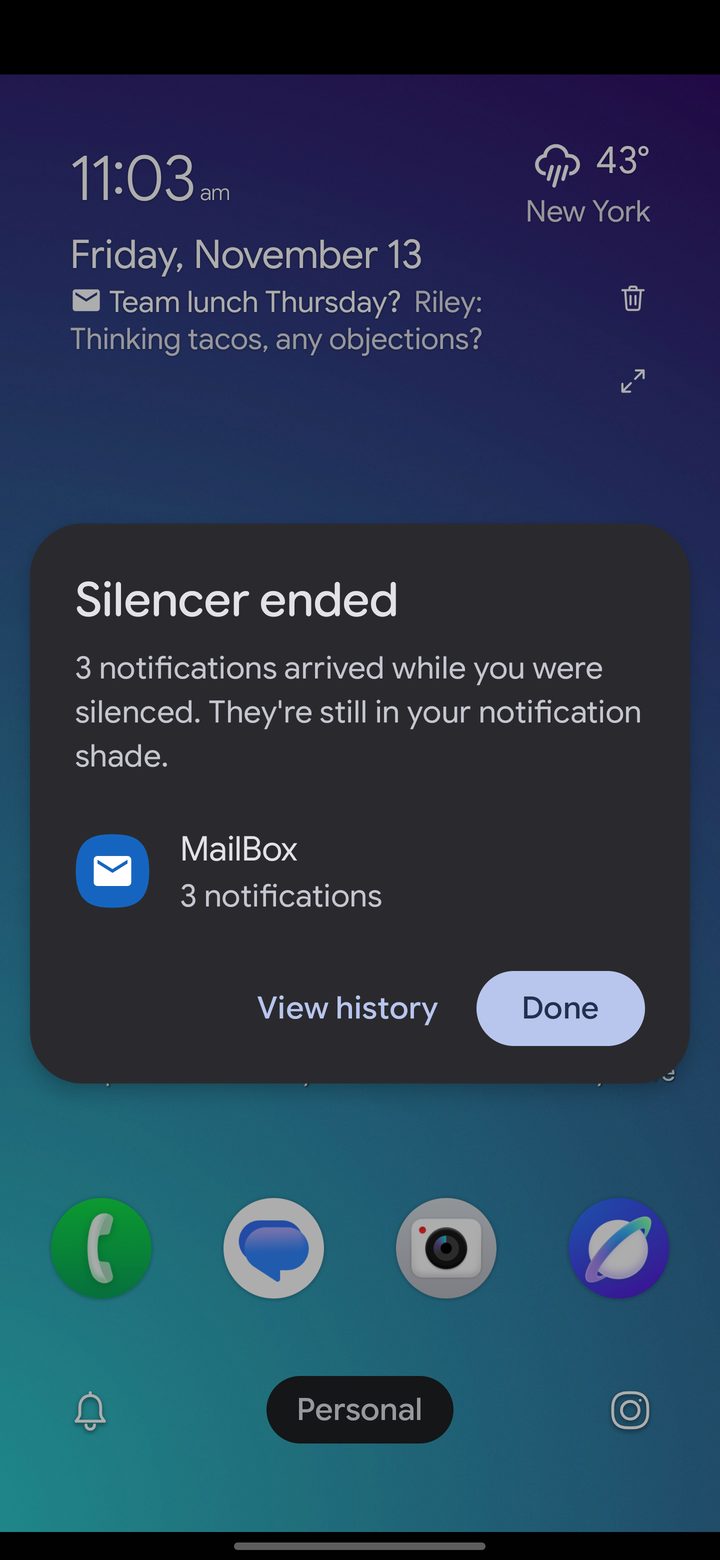
When the Silencer ends, a recap lists the notifications that came in while it was on.
The Silencer uses Android's Do Not Disturb, so the people and apps you allow there still get through. Its options are in Settings › Silencer.